For the complete documentation index, see llms.txt. This page is also available as Markdown.

āž•New Channel Announcement: Google Pay / Apple Pay AU

:bangbang:We are excited to introduce "Google Pay/Apple Pay AU," our newest payment channel designed exclusively for our users in Australia. With the inclusion of "Google Pay/Apple Pay AU," we are proud to offer a seamless and convenient payment option with E-wallet support.

Here are some key details about this new payment option: šŸ“± E-wallet Channel: Google Pay/Apple Pay AU is an e-wallet platform allowing users to purchase their desired items with their familiar e-wallet channel.

šŸ’² Price Point Limit: Allows users to make transactions starting from a minimum price point of AUD 0.5, up to a maximum price point of AUD 999,999. CONTACT Business Development Team for further details.

šŸ”’ Authentication: When proceeding with payment in Google Pay/Apple Pay AU, it redirects users to the Pay checkout page, click "Pay with Link" to proceed with the payment.

ā° Transaction Expiry: Please note that transactions made through Google Pay/Apple Pay AU have a validity period of 15 minutes. Users may complete payment within this timeframe to ensure a successful transaction.

šŸ’» Integration Details: For merchants and developers, please be aware that Google Pay/Apple Pay AU integration supports the payment page API. Unfortunately, the Backend API integration is currently not available. We appreciate your understanding and cooperation in this matter.

We encourage all our users in Australia to take advantage of this new payment channel, leveraging E-wallet for a hassle-free and efficient payment experience. By incorporating "Google Pay/Apple Pay AU" into our platform, we aim to provide a tailored and reliable payment solution that meets the specific needs of our Australian users.

Flow Description

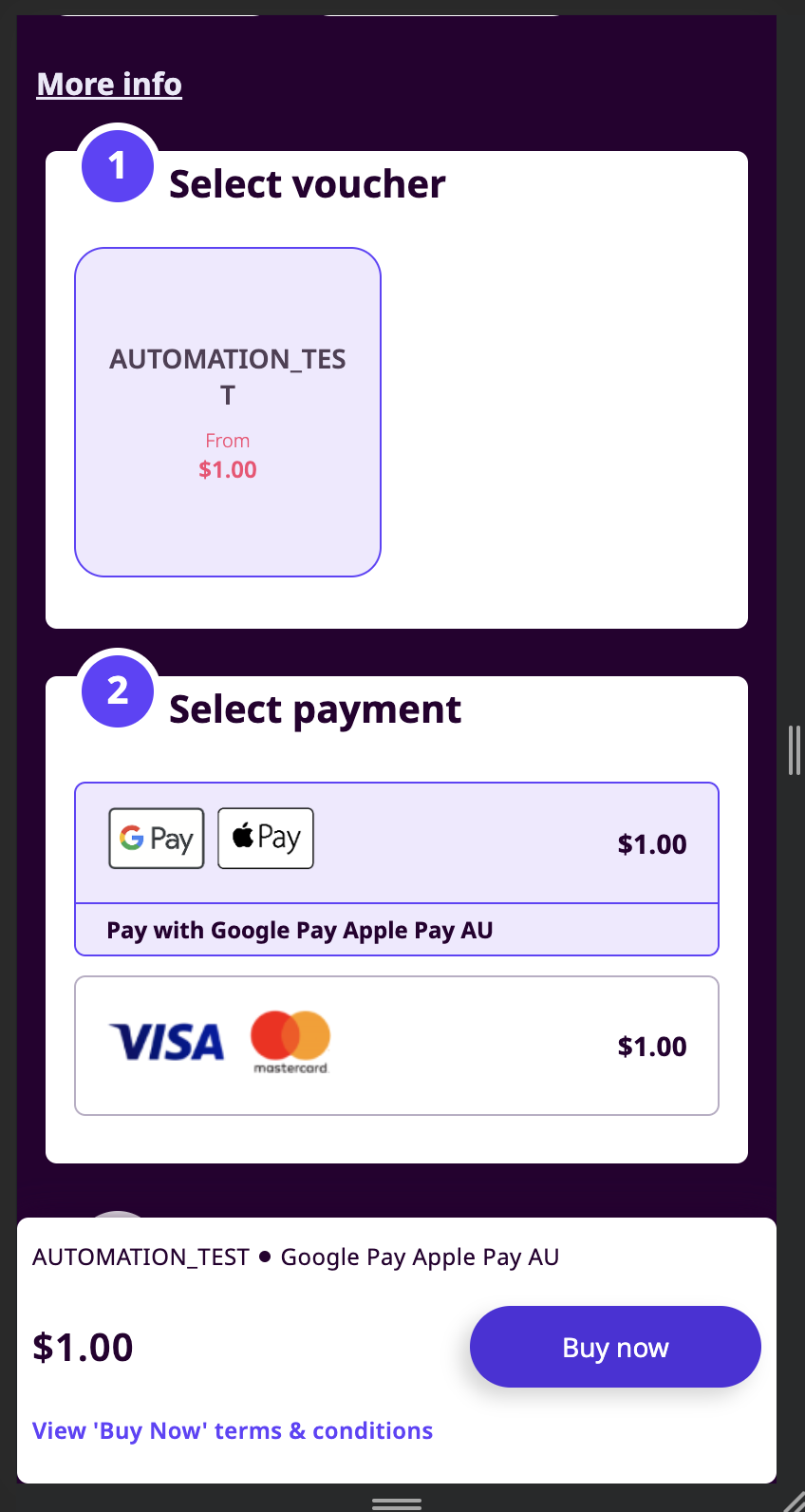
1\. _The user selects Google / Apple Pay as a payment channel. Coda displays the payment button Google / Apple / Link depending on the customer browser and other parameters)_
1. The user selects Google / Apple Pay as a payment channel. Coda displays the payment button Google / Apple / Link depending on the customer browser and other parameters)
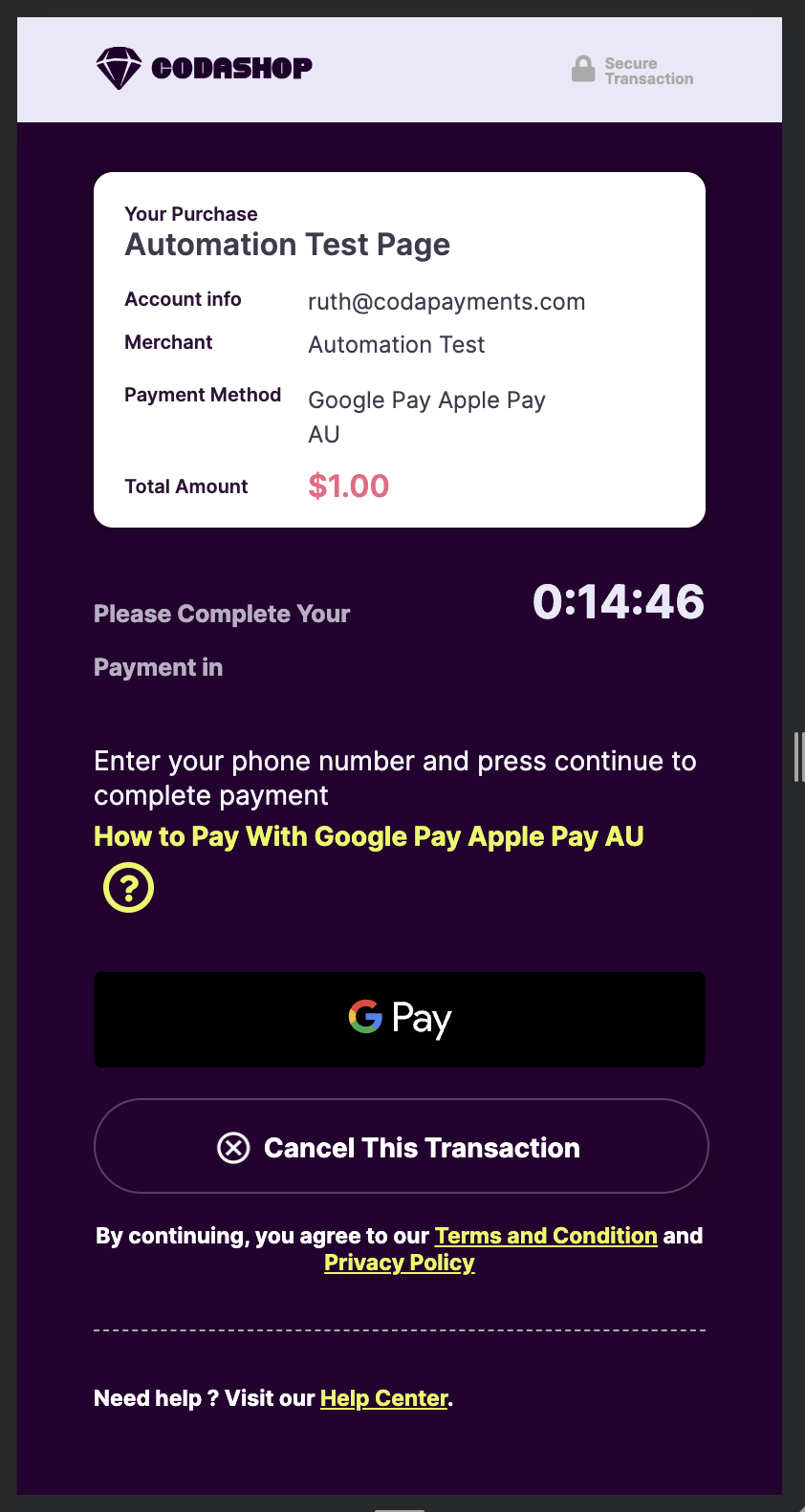
2\. The user clicks on the payment button and proceeds with the payment\_
2. The user clicks on the payment button and proceeds with the payment_
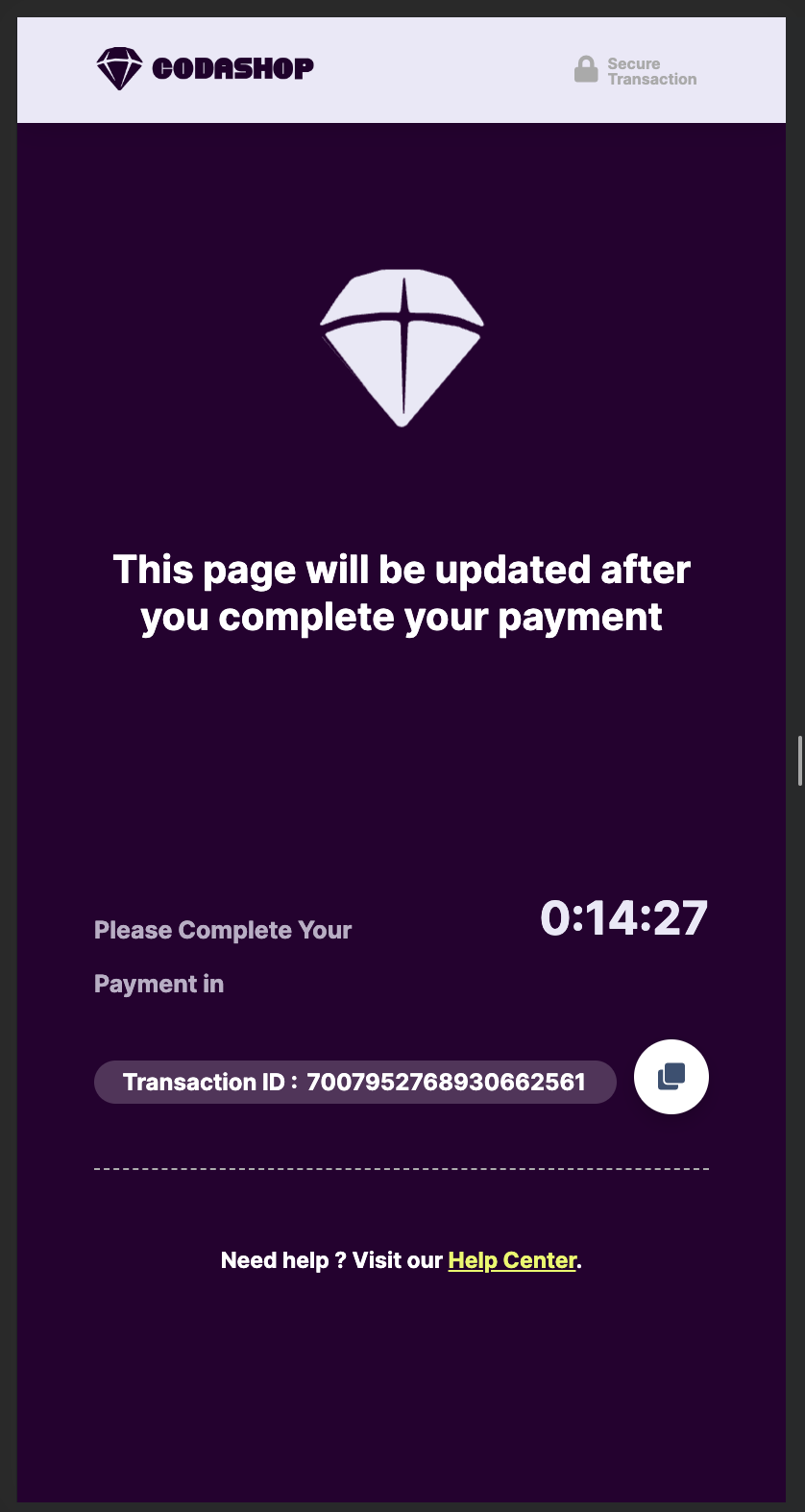
3\. _Coda displays pending page_
3. Coda displays pending page
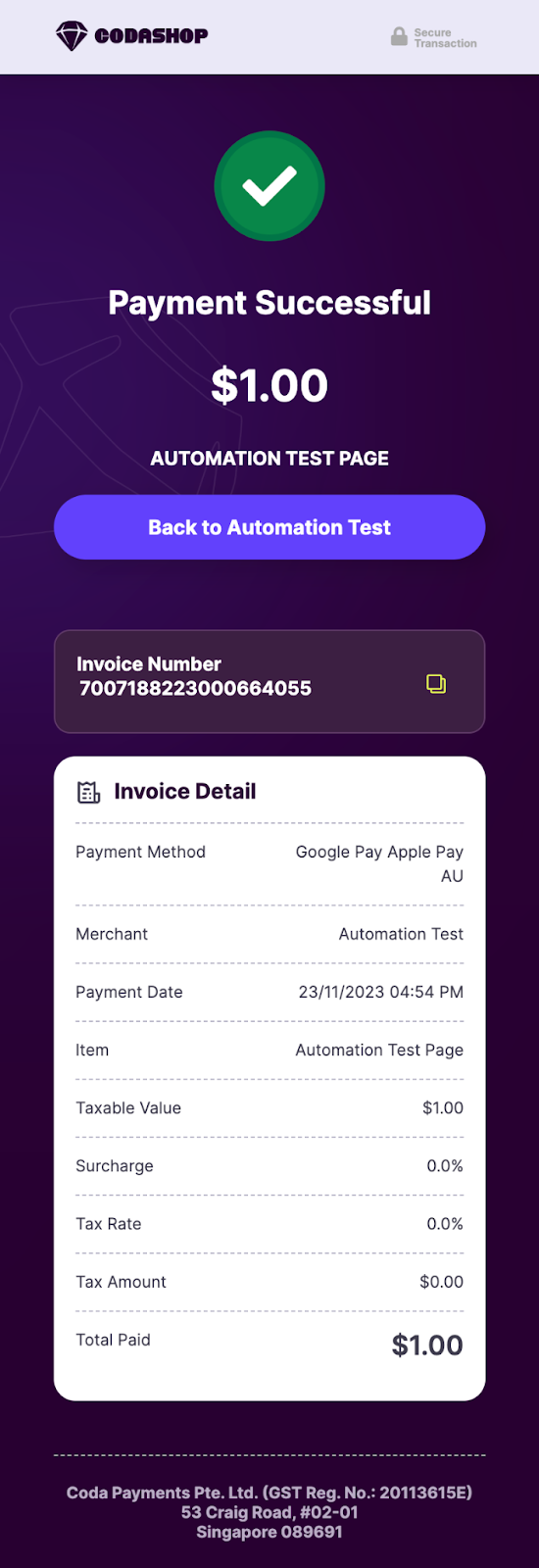
4\. _Payment completed_
4. Payment completed

Should you have any questions or require further assistance regarding Google Pay/Apple Pay AU or any other payment-related inquiries, please don't hesitate to reach out to Coda Business Development Manager.

Thank you for your continued support, and we look forward to serving you with Australia's New E-wallet Channel.

Last updated

Was this helpful?