| Field name | Description | Validation |
|---|---|---|
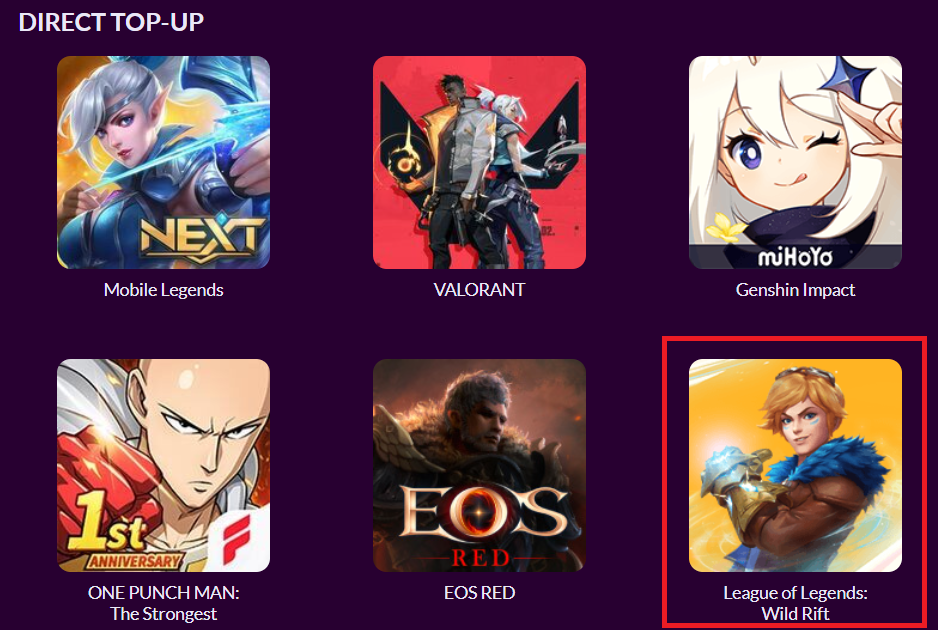
| Tile Image | Icon for your title to be shown on Codashop country homepage | Dimensions: 178px (w) × 178px (h) The file type should be JPG or PNG The size must be less than 25kb The image must not have rounded corners |
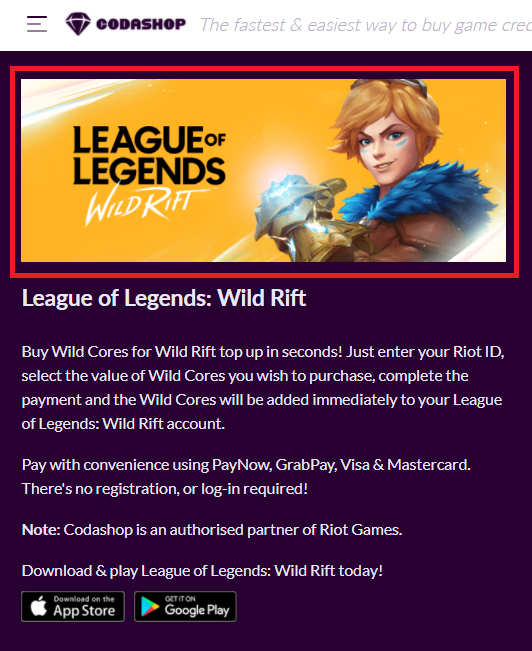
| Banner Image | Banner image for your title, to be shown on Codashop product page | Dimensions must be 640px (w) x 241px (h) The file type should be JPG or PNG The size must be less than 100kb |
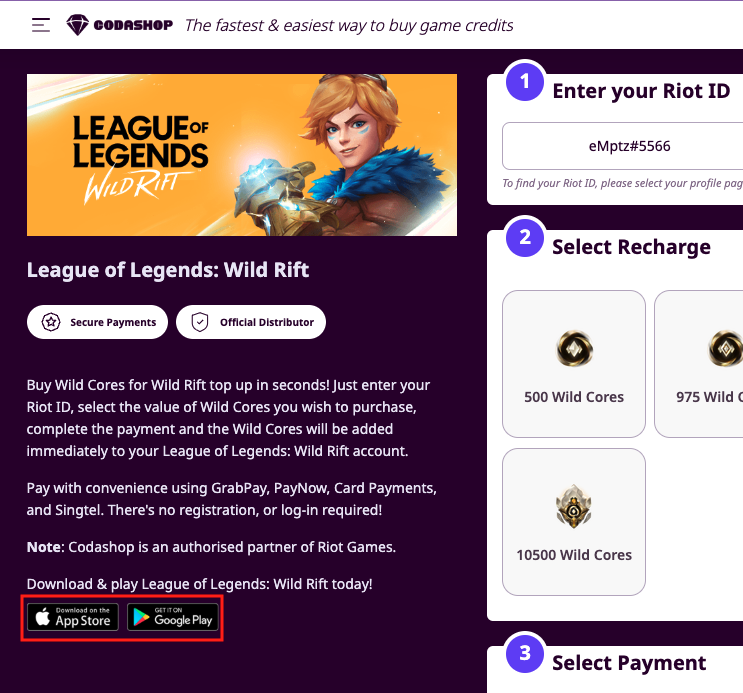
| Links for your title | Types of links supported, to be shown on Codashop product page: - Apple App Store - Google Play Store - Direct Android Download - PC Download - Website URL | Any links provided must be in valid full URL format |
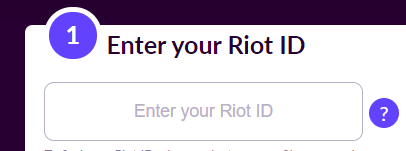
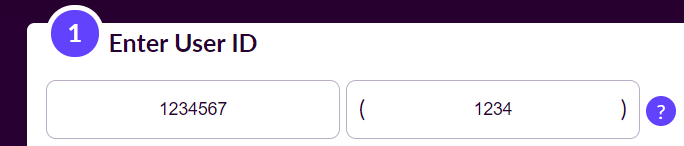
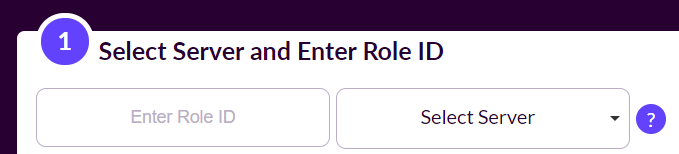
| User ID input | For Codashoppers to provide their in-game User IDs & do top-up. To be shown on Codashop product page Our Integration team will set up these input fields based on your specifications. | Validation Type: select from options: - User ID - User ID + Server (Dropdown) - User ID + Server (Input) Others User ID field name: free text input with a 1,000-character limit. User ID validation: free text input with a 1,000-character limit. |
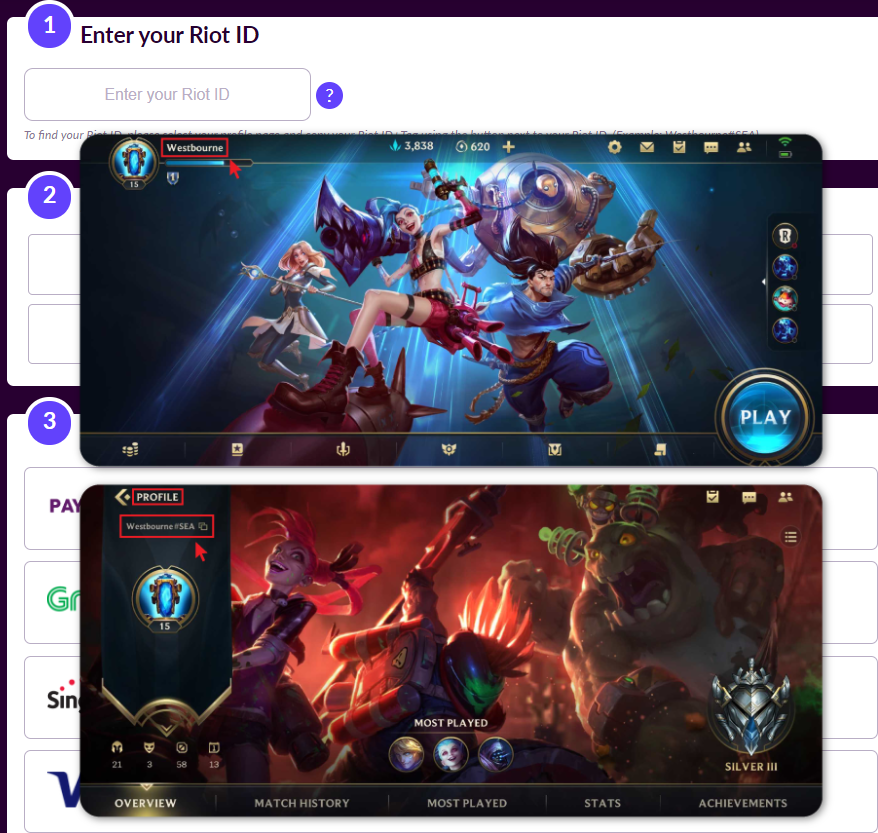
| Helper Image | Helper image to assist Codashoppers to find their in-game User IDs. To be shown on Codashop product page as a tooltip next to the User ID input | The file type should be JPG, PNG, or GIF. For static images, the file size must be less than 150kb. For GIFs, the file size must be less than 1 MB. |
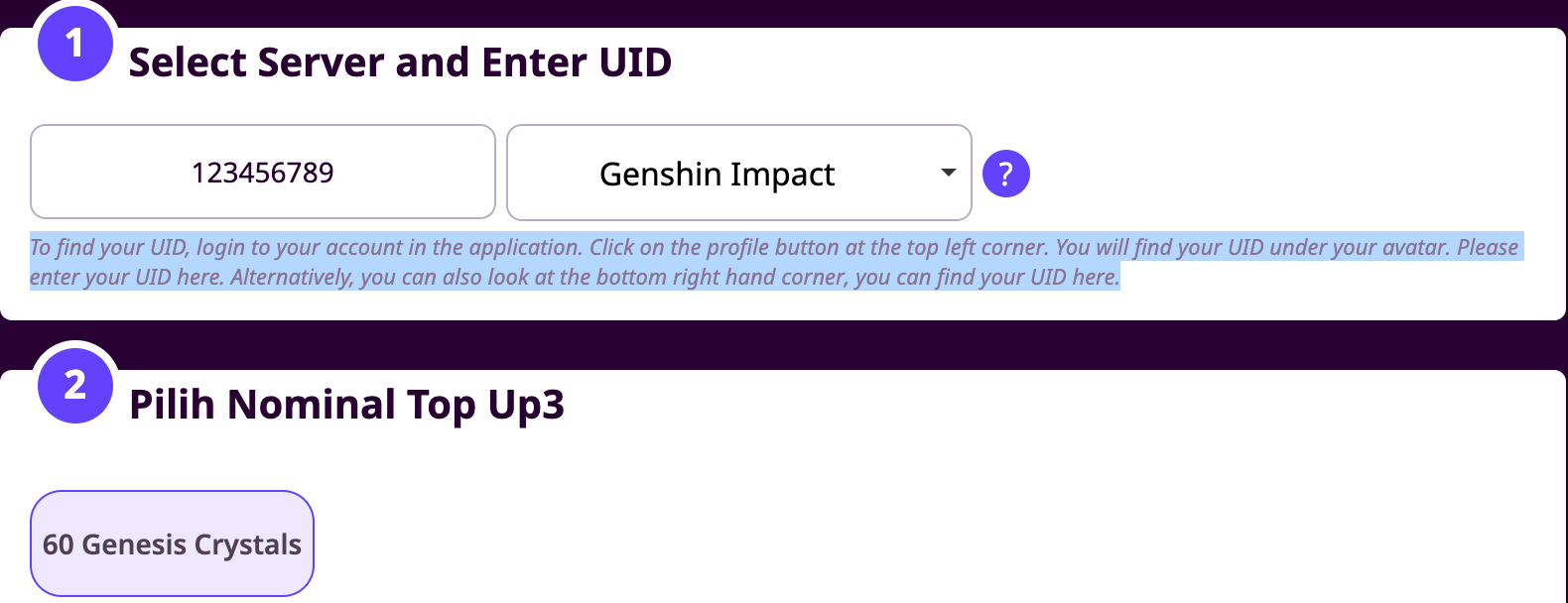
| Helper text | A quick note to guide on how users can obtain their in-game User ID and Server ID/Name if applicable. To be shown on Codashop product page below User ID input | Latin characters only We recommend one sentence only for your helper text. |
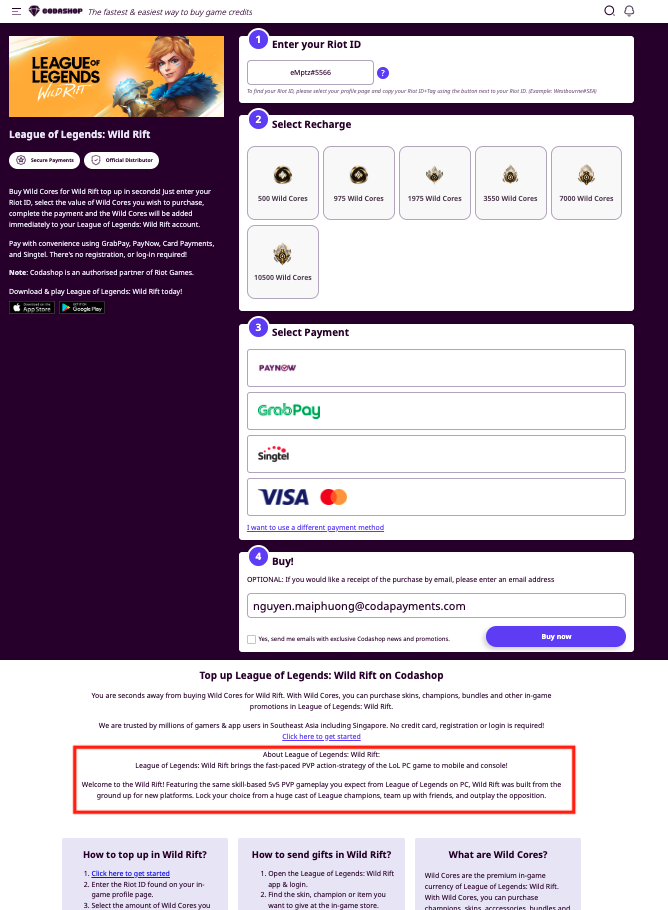
| Title Description | A description of your title. To be shown on Codashop product page below the top-up form | Maximum 4,000 characters. |
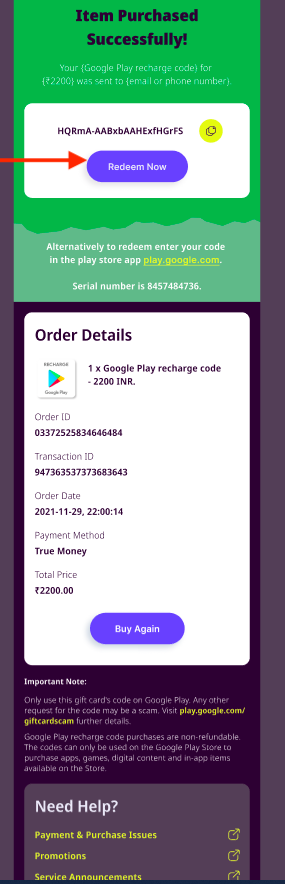
| Voucher Redeem Button URL | If you are selling a voucher code, this is the link Codashoppers can click to open the website where they can redeem the voucher code they just bought. To be shown on Codashop Order Summary page (after a transaction is completed), embedded in the “Redeem Now” widget | Any links provided must be in valid full URL format. |
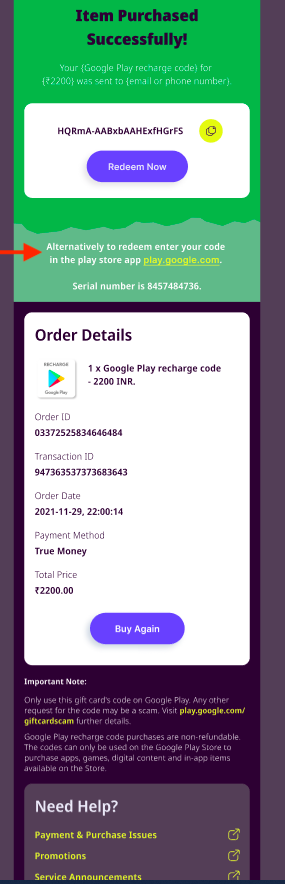
| Voucher Redemption instructions | Any additional instructions you would like to give Codashoppers about redeeming their voucher codes. To be shown on Codashop Order Summary page (after a transaction is completed), under the “Redeem Now” widget | We recommend using a maximum of 1,000 characters. |
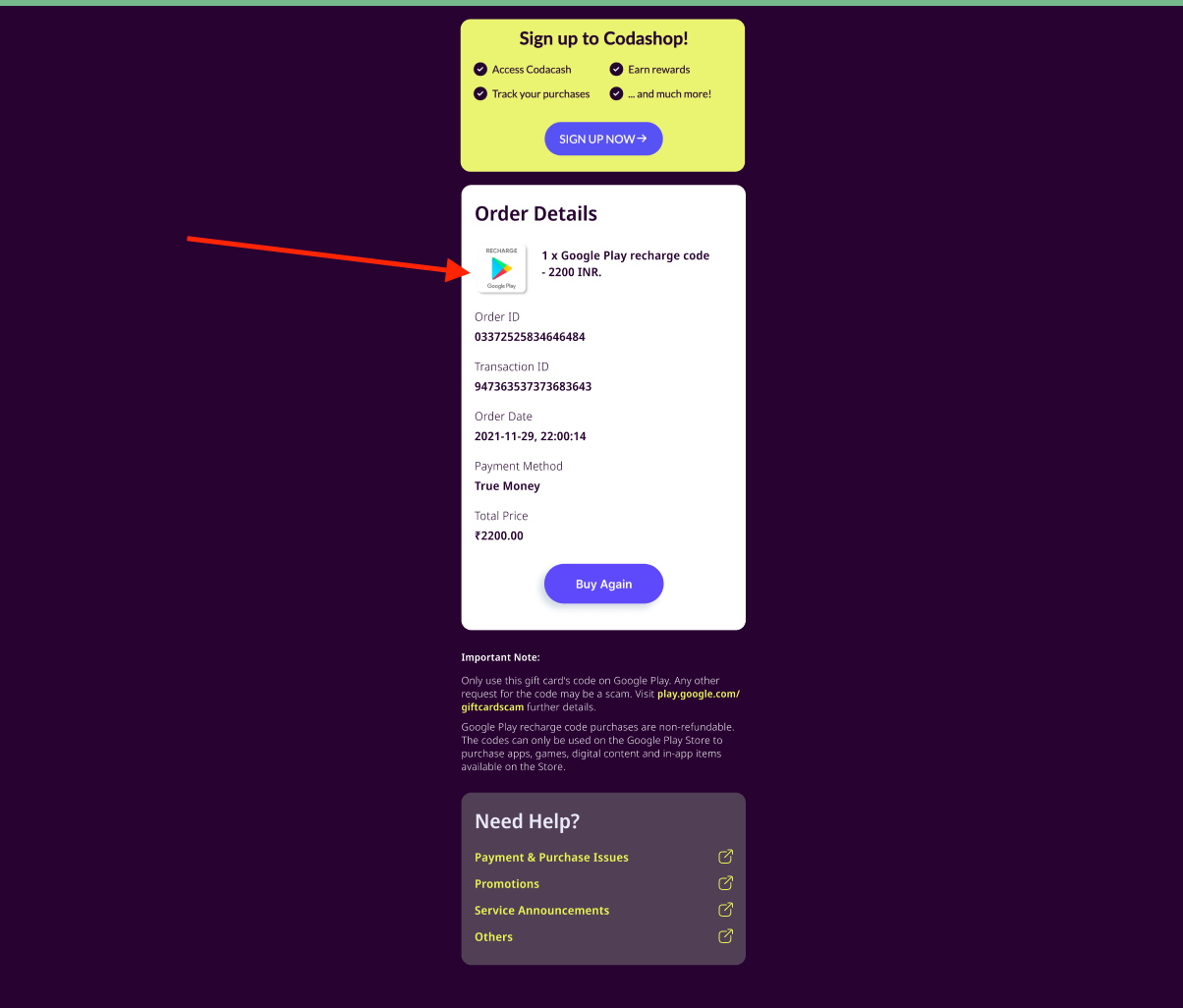
| Order details product image | A specific image Codashop will show as part of the Order details section of the Order Summary page, next to the item name. | The file type should be in JPG or PNG |
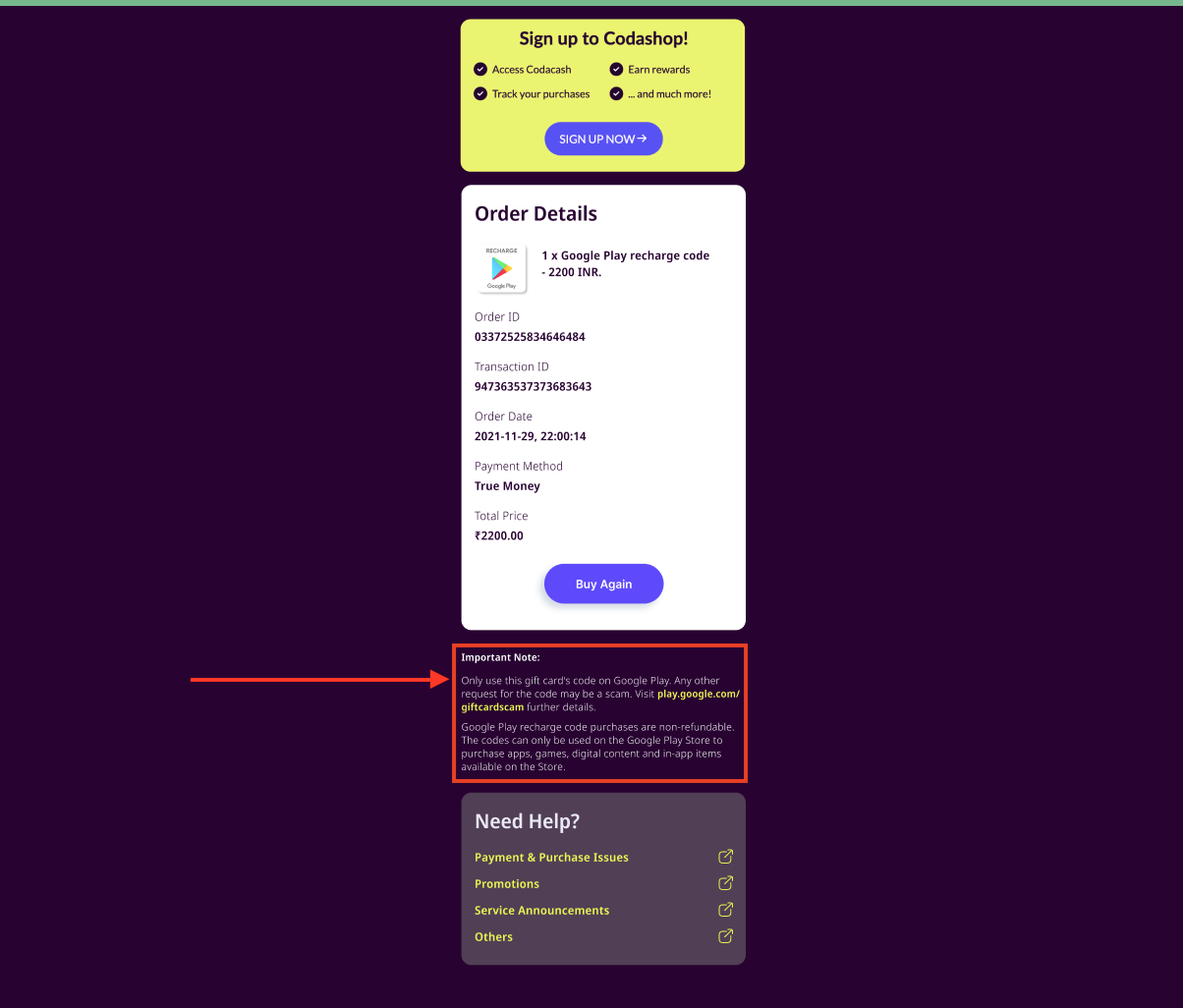
| Important Note | Any important note or instruction you would like to give Codashoppers who have just purchased an item for your title. To be shown on Codashop Order Summary page (after a transaction is completed), it will be shown under “Order details.” | We recommend using a maximum of 1,000 characters. |