> For the complete documentation index, see [llms.txt](https://docs.coda.co/llms.txt). Markdown versions of documentation pages are available by appending `.md` to page URLs; this page is available as [Markdown](https://docs.coda.co/https-coda-payments.gitbook.io-zhong-wen-coda-private-technical-documentation/coda-hou-tai/ji-huo-nin-de-zhang-hu/wan-cheng-he-tong-qian-shu/3.-wan-cheng-he-tong-dian-zi-qian-shu-liu-cheng.md).
# 3. 完成合同电子签署流程
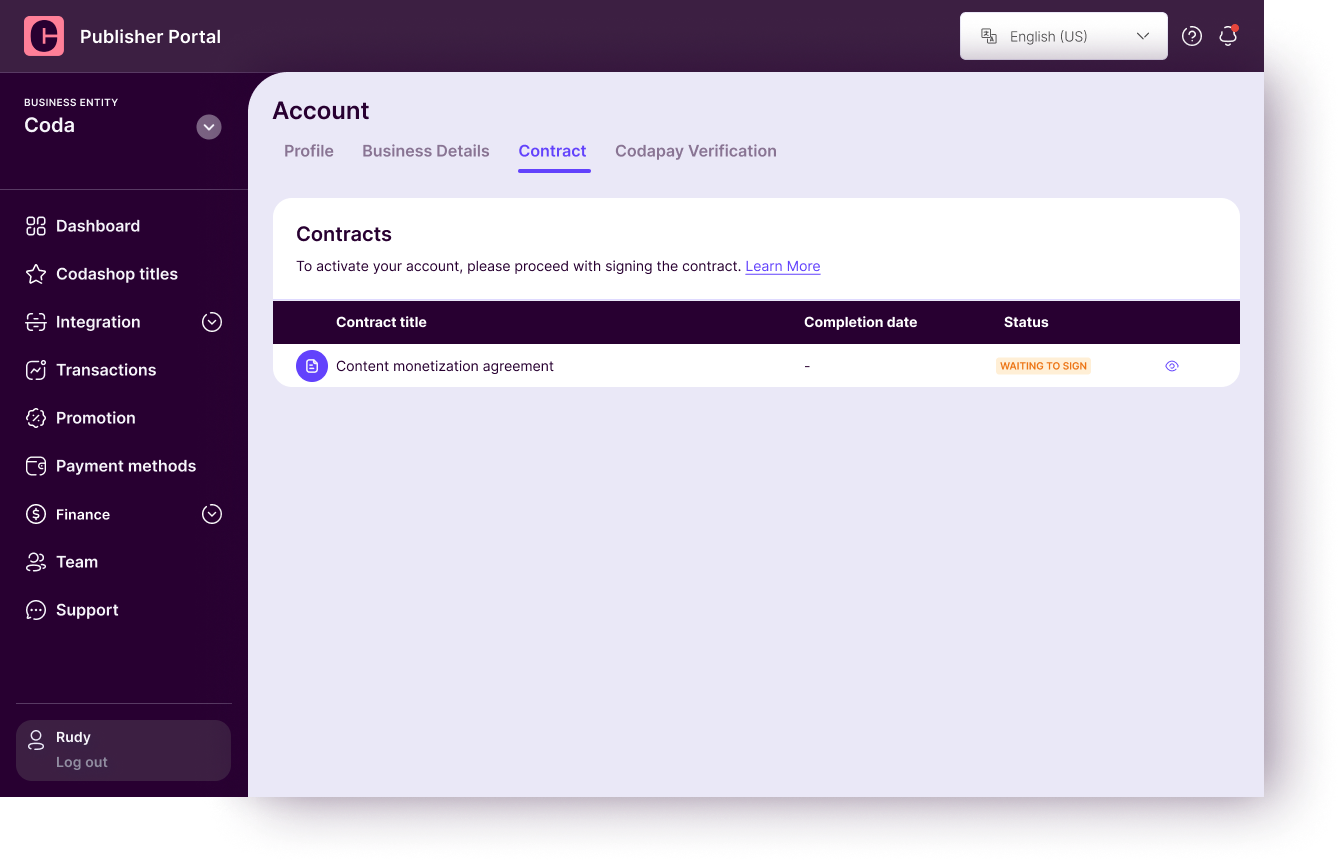
合同一旦发送,协议状态将变更为'**待签署** (**Waiting to Sign**)**'** 。
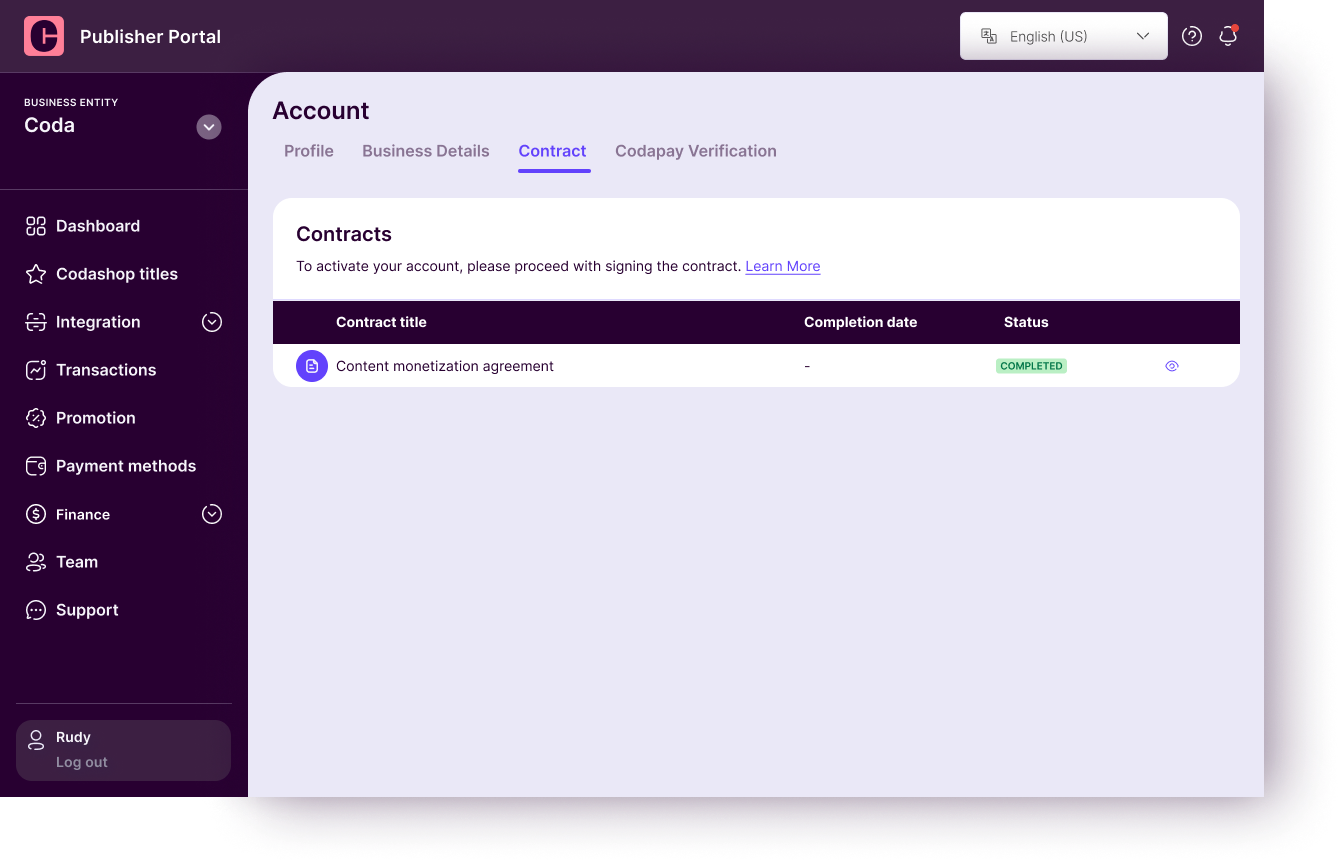
授权签署人签署合同并经 Coda 法务团队验证后,状态将更新为'**已完成** (**Completed**)'。
恭喜您通过电子签名完成了与 Coda Payments 的协议签署。 \
\
若对协议有任何疑问,请随时联系您的客户经理或通过提`Coda 后台 > 支持` 提交。
---
# Agent Instructions
This documentation is published with GitBook. GitBook is the documentation platform designed so that both humans and AI agents can read, navigate, and reason over technical content effectively. Learn more at gitbook.com.
## Querying This Documentation
If you need additional information that is not directly available in this page, you can query the documentation dynamically by asking a question.
Perform an HTTP GET request on the current page URL with the `ask` query parameter, and the optional `goal` query parameter:
```
GET https://docs.coda.co/https-coda-payments.gitbook.io-zhong-wen-coda-private-technical-documentation/coda-hou-tai/ji-huo-nin-de-zhang-hu/wan-cheng-he-tong-qian-shu/3.-wan-cheng-he-tong-dian-zi-qian-shu-liu-cheng.md?ask=&goal=
```
`ask` is the immediate question: it should be specific, self-contained, and written in natural language.
`goal` is optional and describes the broader end goal you are ultimately trying to accomplish on behalf of the user. GitBook uses it to tailor the answer towards what is most useful for that goal.
The response will contain a direct answer to the question and relevant excerpts and sources from the documentation.
Use this mechanism when the answer is not explicitly present in the current page, you need clarification or additional context, or you want to retrieve related documentation sections.